






The CyberKey is a programmable electronic key that opens the locks you choose, records every access, and can be shut off the moment it goes missing. No wiring, no keys to copy, no locks to rekey.
One smart key. Every lock. Full accountability.
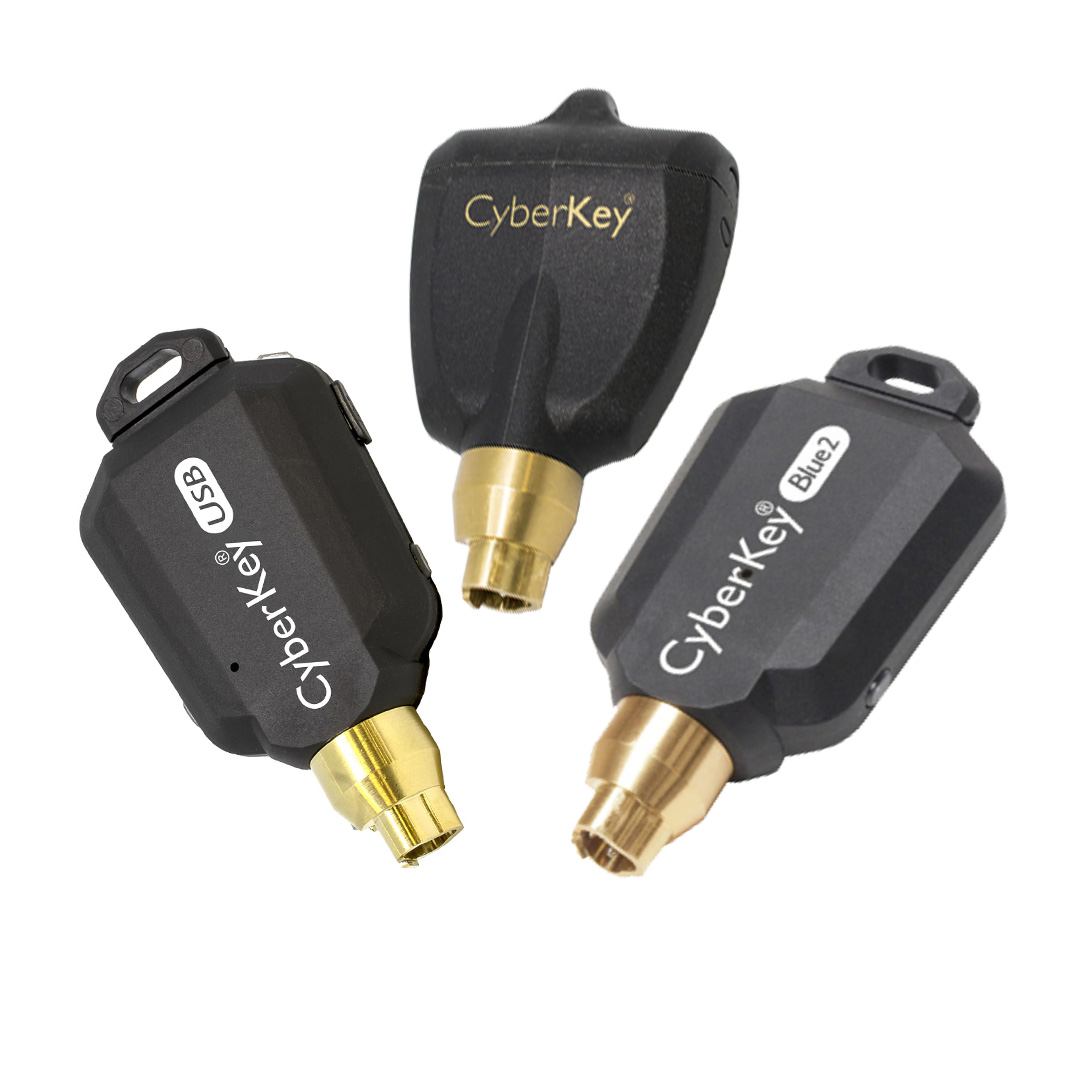
What is a CyberKey?
A CyberKey is a programmable electronic key that carries a person’s access permissions. Instead of a ring of brass keys, each person gets one CyberKey that opens only the locks they are allowed to use, and only during the hours you set.
Every time the key touches a lock, whether access is granted or denied, it records the date, time, lock, and person. That becomes a complete audit trail you can pull any time. And because the key powers the lock, there is no wiring and no power needed at the door, so you can secure a door, cabinet, gate, or padlock without an electrician.
The CyberKey operates our CyberLock electronic lock cylinders.
How it works
- Assign a key to each person, and set exactly which locks they can open and when.
- They carry one key. A single CyberKey can be programmed to open up to 3,300 locks, or up to 12,000 with the Lock List Expansion, so one key replaces a whole ring.
- Every access is recorded, granted or denied, with date, time, lock, and person.
- Lose a key? Deactivate it in seconds so it opens nothing.
- Pull reports any time to see who went where, and when, without walking the site.
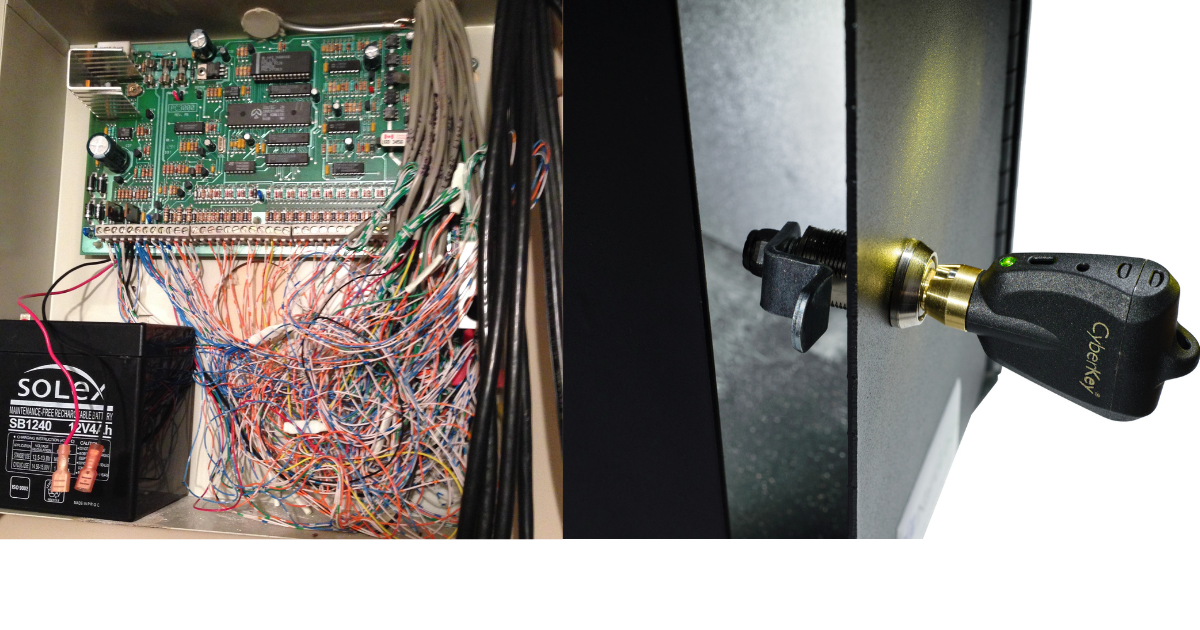
Traditional wired access control means conduit, power, and constant upkeep. CyberLock skips all of it. The CyberKey powers each lock, so there is nothing wired to install or maintain.
Why teams switch
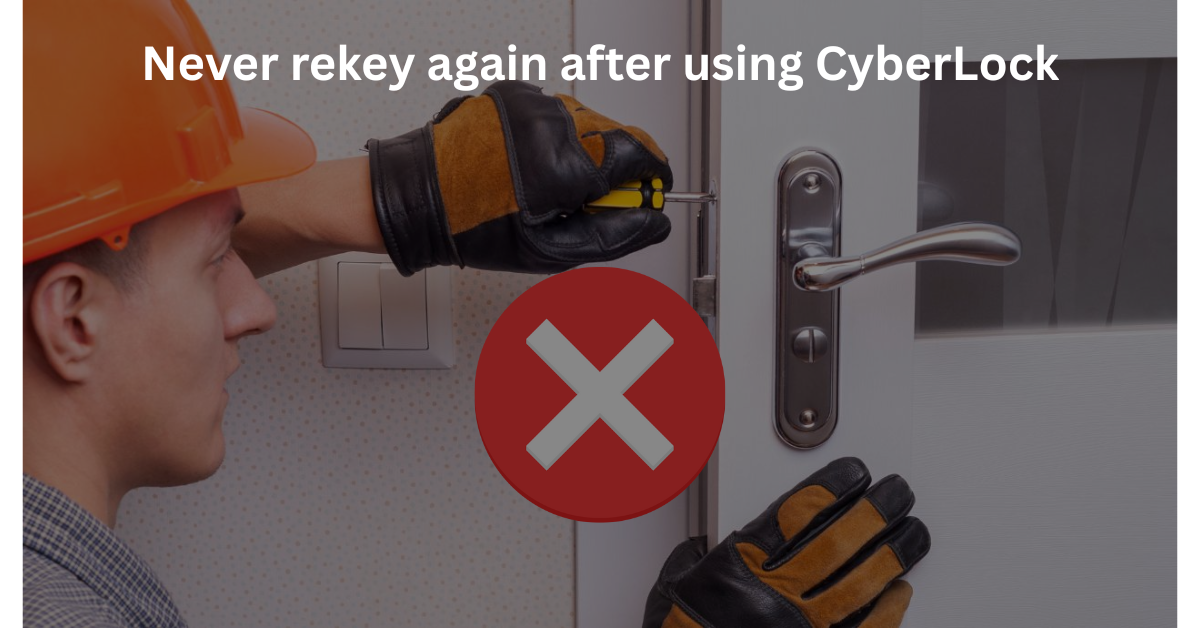
- No rekeying. When someone leaves, you disable their key instead of changing locks.
- No copied keys. A CyberKey cannot be duplicated at a hardware store.
- Encrypted. Generation 2 locks and keys communicate using AES-256, with a 256-bit AES CMAC challenge and response. Generation 1 uses proprietary encryption between lock and key.
- One system for the whole site. The same key can secure doors, cabinets, gates, and server rooms.
- Works where wires do not, including remote gates, vehicles, and outdoor locks, because the key brings the power.
Software you control
You manage everything from software you and your team control. Assign keys, set schedules, expire access automatically, disable a lost key, and generate audit reports. Run it on your own servers or let us host it for you.
See a CyberKey open your own locks.
We will show you a CyberKey and lock working on a real door or cabinet, and set you up with a free pilot so you can try it on site.
Which CyberKey do you need
There is more than one CyberKey, and the right one depends less on the lock than on how the person carrying it will get back in touch with the system.
- CyberKey Air and CyberKey Air2 connect directly over wifi. The key updates itself in the field with no dock, no cradle and no trip back to the office. This is the closest thing to real time access control without wiring a single door.
- CyberKey Blue, Blue 2 and Blue 3 carry a Bluetooth radio and update from an Android or iOS phone through the CyberAudit Link app. A supervisor can extend somebody’s access from a truck.
- CyberKey Flash adds an infrared transceiver in the key tip alongside Bluetooth, so it can also talk to FlashLocks and doors directly.
- CyberKey Go is Bluetooth and runs on a replaceable CR-2 lithium battery, so there is nothing to recharge.
- CyberKey X II also uses a replaceable CR-2 lithium battery and is the workhorse where a phone is not part of the job.
- Fobs for people who need access but should not carry a programmable key.
Not sure which fits? The question we ask first is simple: where will this person be standing when their access needs to change? If the answer is a depot, a wall mounted Authorizer works. If it is a phone in a truck, use Blue. If it is nowhere predictable, use Air.
How a key gets updated
A CyberKey holds its own permissions, so it has to be refreshed. There are five ways to do that and most sites use more than one:
- Through the tip, placed in a station, an Authorizer keyport, or a CyberKey Vault
- By infrared connection through an IR Encoder 10
- Over Bluetooth through the CyberAudit Link app, on Blue, Blue 2, Blue 3, Flash and Go
- Directly by wifi, on CyberKey Air and Air2
An Authorizer is built for remote locations and lets people renew an expired key daily, which is how sites with real key control discipline run. It works over the internet or a LAN and connects using SSL/TLS.
What one key can hold
| Locks per key | Up to 3,300 on a Generation 1 CyberKey. Up to 12,000 lock list entries on a Generation 2 CyberKey or CyberKey X with the Lock List Expansion module. A master key has no limit. |
| Audit trail in the key | Up to 3,900 access events, and up to 12,000 on CyberKey X and Generation 2 keys. |
| What each touch records | The lock ID, the date, the time, and whether access was authorized. |
| Schedules | Up to 49 different schedules per key, controlling the exact days and times it will operate. |
| Operating temperature | 32 to 122 F, or 0 to 50 C. |
| Power | The key powers the lock. Nothing is wired and no battery sits at the opening. |
What happens when a key goes missing
You disable it in software and it stops opening locks. Individual locks can also be programmed to refuse a specific lost key and to disable it on contact. Expiration rules do the same job automatically: set a rolling one day rule and a key that is not updated stops working at midnight, so a person who leaves on Friday has a dead key by Saturday whether or not anyone collected it. No cylinder is pulled and no building is revisited.
The key records what it was refused, too
Every contact between a key and a lock is recorded. The system can also be set so a key writes a denied event into both its own memory and the lock’s memory, and every CyberKey can record the moment it was removed from a lock. For an investigation that is the difference between knowing somebody opened a cabinet and knowing somebody tried.
The software side
Keys, locks, people and schedules are all administered in CyberAudit Web, which runs in a browser and is offered hosted on secure AWS infrastructure or installed on a server you own. That is also where the audit trail is read and where reports can be scheduled and emailed.
Common questions about CyberKeys
Can a CyberKey be copied or duplicated?
No. A CyberKey is a programmable electronic key, not a cut piece of brass. There is nothing for a hardware store to copy, and the CyberLock cylinders it opens have no conventional keyway, so they cannot be picked either.
How many locks can one key open?
Up to 3,300 on a Generation 1 key, and up to 12,000 lock list entries on a Generation 2 key or CyberKey X with the Lock List Expansion module. A master key has no limit.
Can I change somebody’s access without them coming back to the office?
Yes, and this is what the newer keys are for. CyberKey Air and Air2 update over wifi, and the Blue keys update from a phone through the CyberAudit Link app. Permissions change centrally and reach the key at its next update.
What is the difference between CyberKey Blue and CyberKey Air?
Blue keys update over Bluetooth from a phone running CyberAudit Link. Air keys connect directly over wifi with no phone involved. Choose Blue when a supervisor with a phone is nearby, and Air when the key holder is out on their own.
Does the key need charging?
It depends on the model. CyberKey X II and CyberKey Go use a replaceable CR-2 lithium battery, so there is nothing to recharge. Other models are rechargeable. Either way the battery lives in the key, never in the lock.
What happens if somebody loses a key?
Disable it in the software and it stops working. Locks can also be programmed to refuse that specific key and disable it on contact. With a rolling expiration rule it dies on its own if it is not updated.
Does it record failed attempts?
Yes, with the right setting. Every contact is recorded, and the system can be configured so a denied attempt is written into both the key’s memory and the lock’s memory. Keys also record when they were removed from a lock.
Can I try it before buying?
Yes. We run free pilots. We fit a few of your openings, issue keys to the people who actually use them, and you read the audit trail before committing to anything.
Ask us about a free CyberKey pilot
Tell us what you are securing and roughly how many openings are involved, and we will tell you which key fits and what a pilot would look like.